Your customer portal – registration, orders & features at a glance
- 4.5 Minutes to read
- Written by Axon Lab AG
- Corporate
The Axonlab webshop and the personalised customer portal offer you a wide range of options for managing your orders quickly and easily online. Order when it suits you, regardless of our opening times, and benefit from attractive online discounts and promotions.
Registration & Login
There are several ways to access the customer portal, depending on whether you already have a login, are a customer but don’t yet have a login, or are neither a customer nor have a login.
Already have a login?
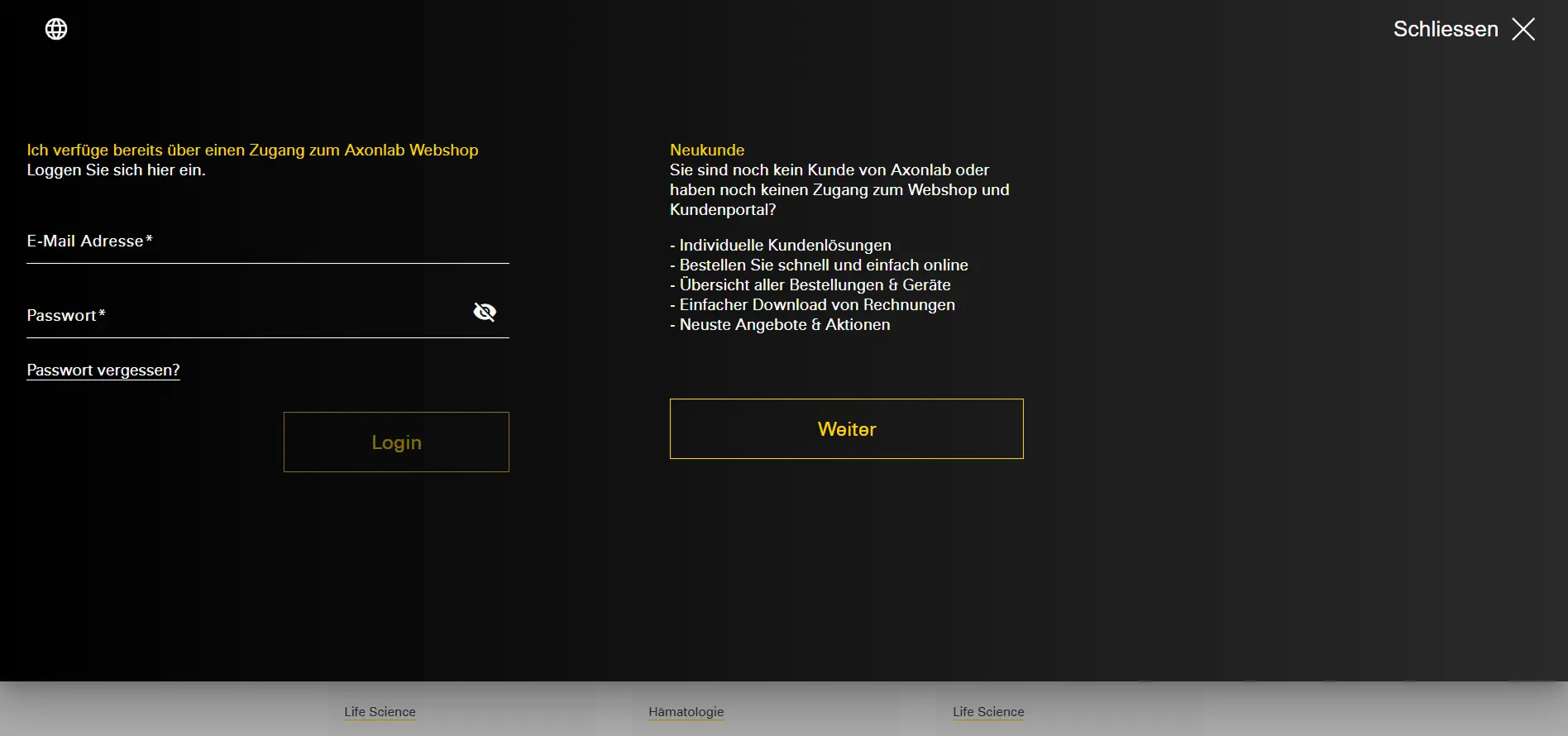
Log in directly at axonlab.com/profileusing your username and password. If you’ve forgotten your password, you can use the “Forgotten password” function to immediately reset your login online.
Already an Axonlab customer but don't yet have a login?
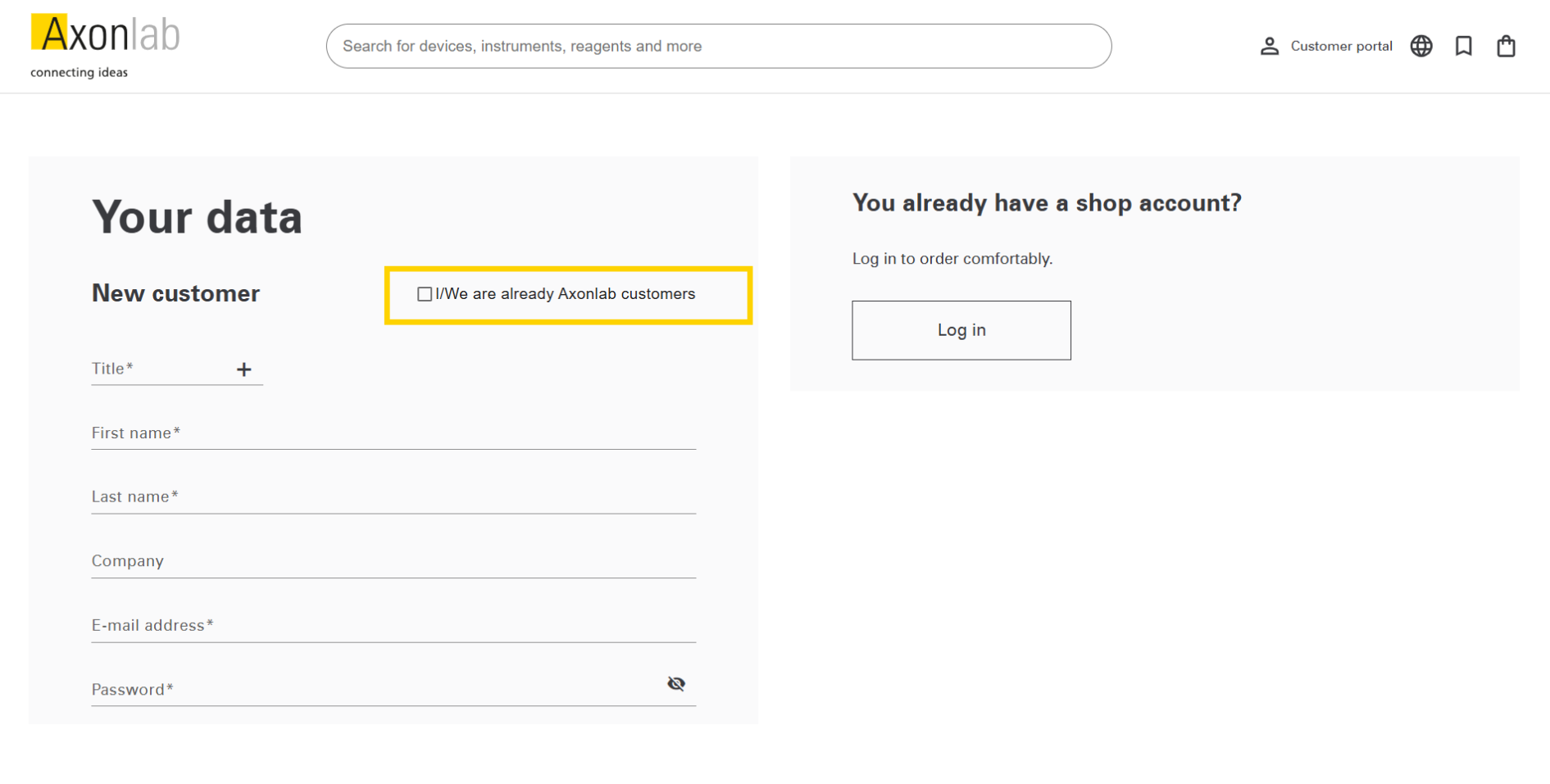
Visit axonlab.com/registration to register. Here, you can activate the checkbox “I/We are already Axon Lab AG customers” and enter your customer number. You can find this on your invoices, order confirmations or delivery notes. After registration, you can order straight away without having to wait.
Here is where you find your customer number and article numbers on the invoice:
New customers of Axonlab?
Register as a new customer at axonlab.com/registration. We will then review your registration. You can place your desired order in advance immediately after registration. We will process your order immediately, as soon as your registration has been reviewed. We will also notify you by email as soon as your account has been activated.
Functionalities on the customer portal homepage
You can manage orders, devices, shopping lists, your mailbox and personal settings via the customer portal. The homepage gives you the latest news and important information and you have the option to view invoices.
We also offer a tour guide that guides you through all the important areas of the customer portal. You will find more information in the next section.
Digital tour of the customer portal
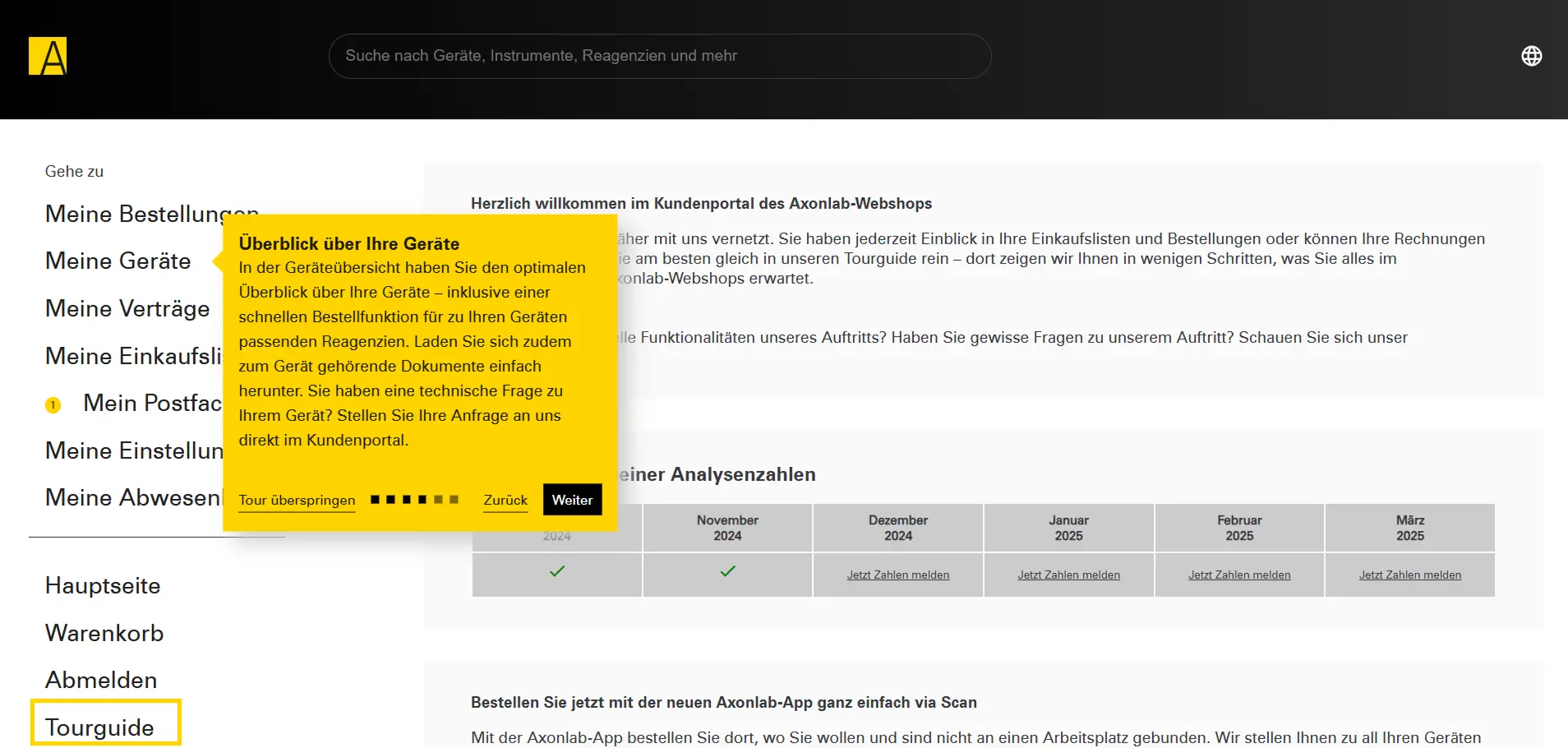
When you first visit the customer portal, our tour guide will be available to you, showing you all the portal’s features. You can restart the tour guide in the customer portal at any time under “Tour guide”.
Other features and ordering options in the customer portal
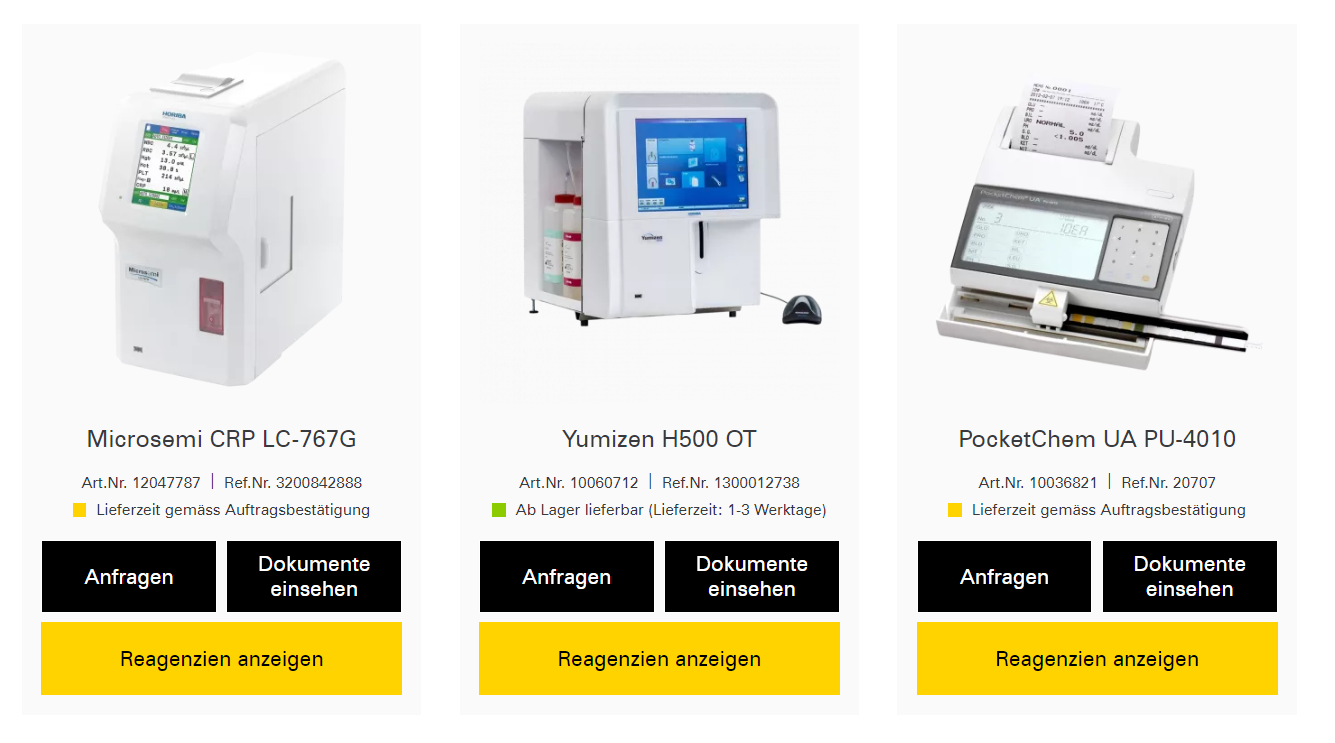
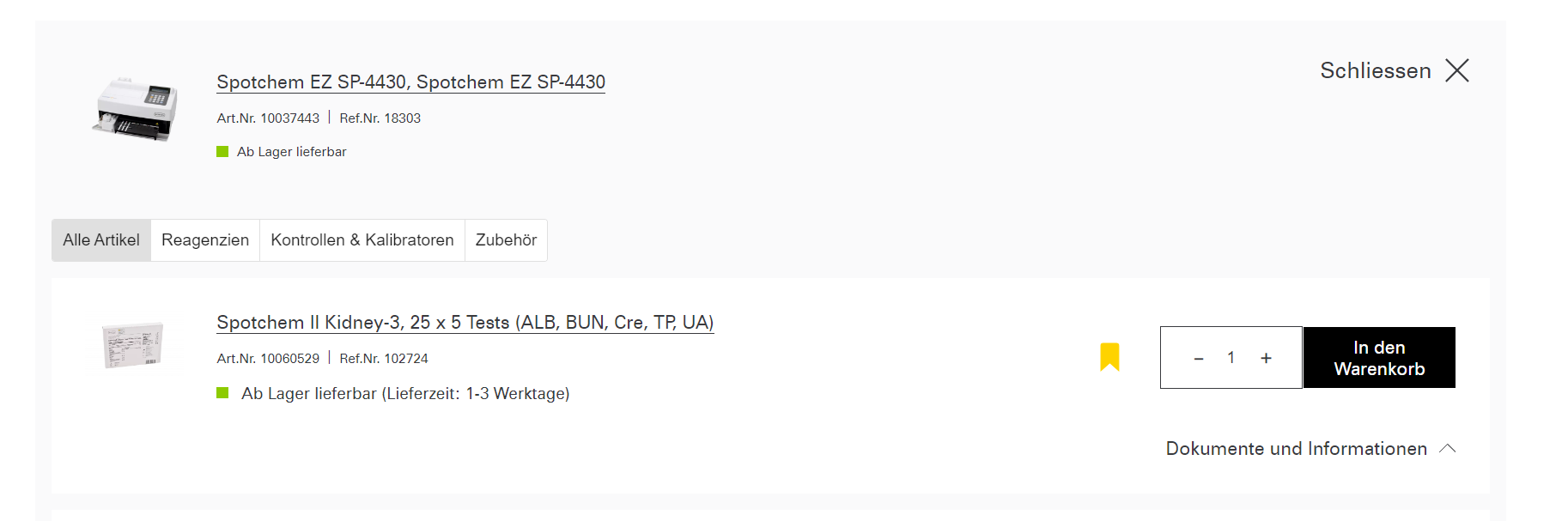
Order direct via “My devices”
View your Axonlab devices and order exactly what you need.
In the customer portal under“My devices”, we offer a simple overview of your devices and associated items. You can add these products straight to your shopping cart.
You will also find all your device-specific documents such as manuals and quick start guides in this section.
Have technical questions about your device? Submit your enquiry directly via the customer portal.
Order history and document management (invoices & delivery notes)
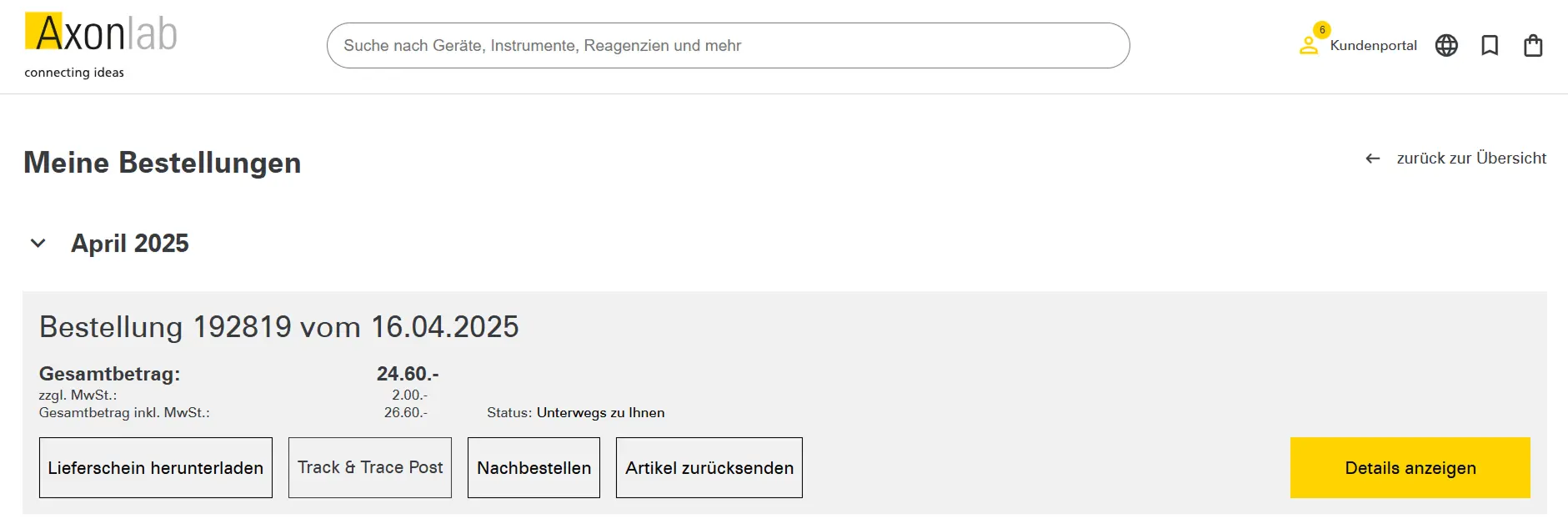
In the “My orders” section, you’ll find all your completed orders.
Reordering repeat orders is now possible with just a few clicks. To do so, click “Reorder” on the relevant order in the order history section of the customer portal, and you’ll have everything you need in your shopping cart.
In the same section, you can find all the relevant documents such as delivery notes and invoices for you orders.