Instructions for transmission of analysis figures
- 2 Minutes to read
- Written by Axonlab
- General Practice
In the customer portal, you have the option to upload your analysis data online quickly and easily. Below you will find instructions on how to do this:
- Go to axonlab.com/profile.
- Scroll down until you see the section “Submission of my analysis data”.
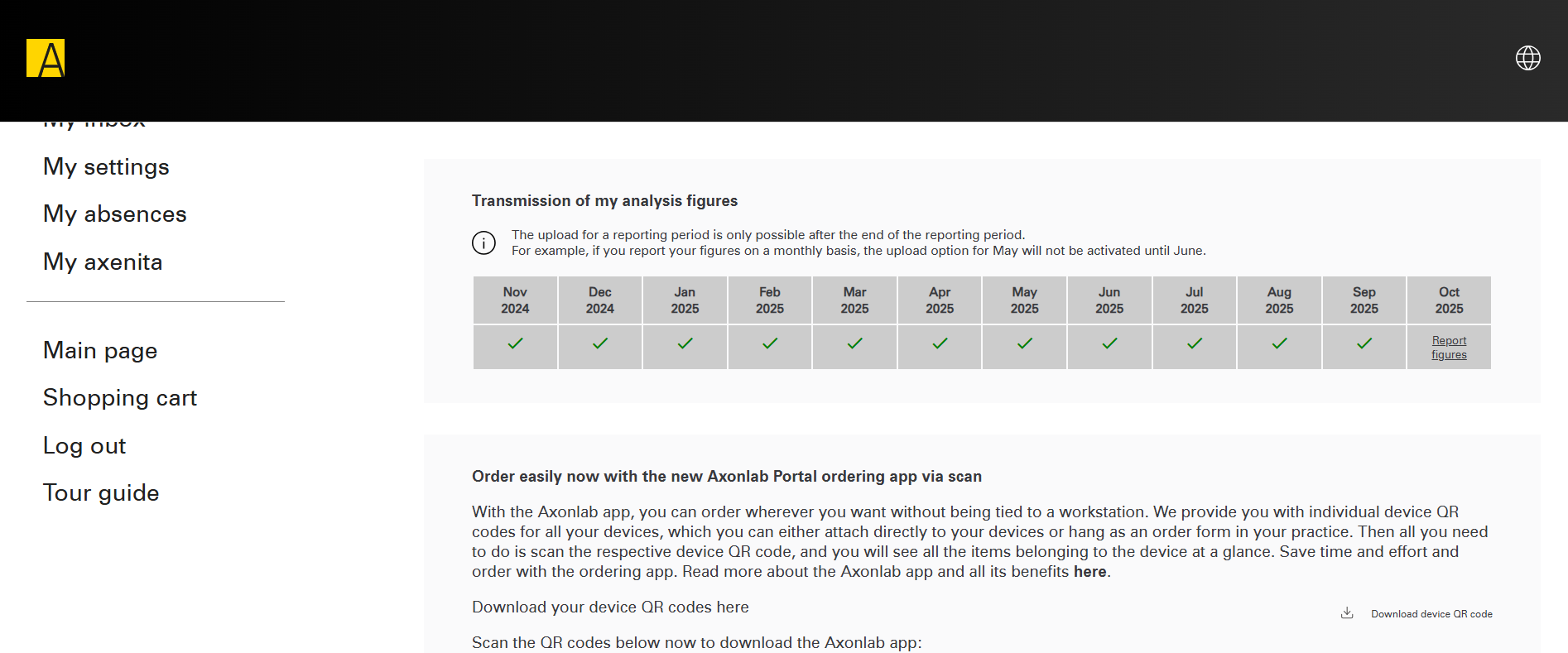
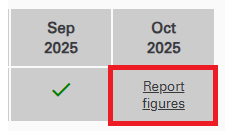
- Select the desired month and click “Submit data”.
- A window will open in which you can either
- click on “Select file” or
- drag and drop your file directly into the field.
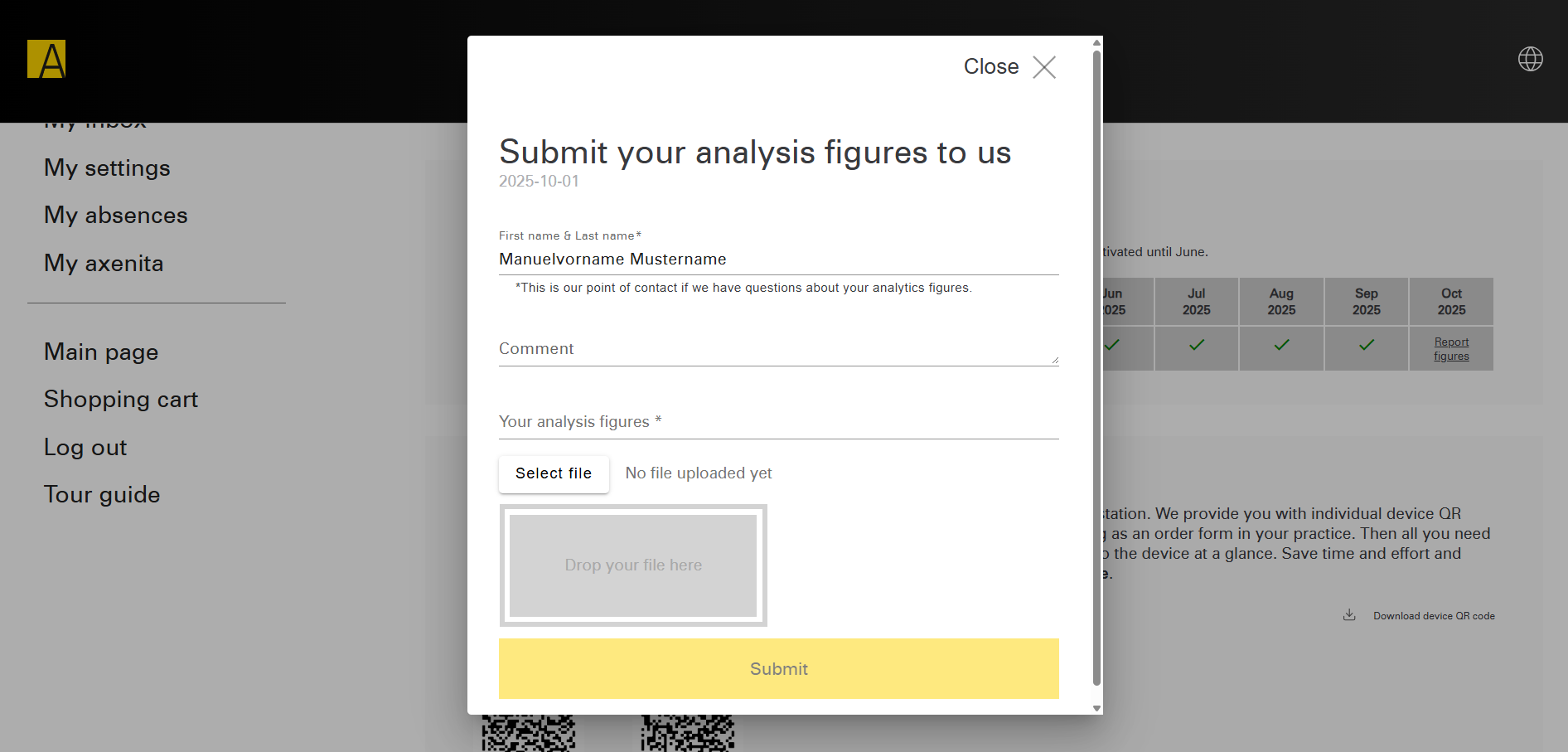
- Optionally, you can fill in the comment field.
Please note: Only XLS, XLSX or PDF files can be uploaded. - The selected file should now be visible in the field.
- Finally, click “Submit” to upload the data.
After a successful upload, a green checkmark will appear in the table as confirmation.
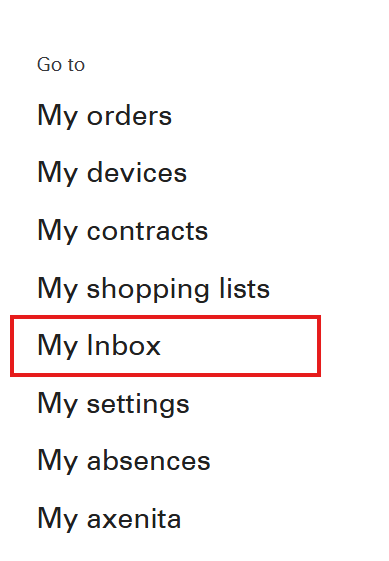
Reminder function via inbox message
After the end of each reporting period, you will receive an inbox message in the customer portal. Click “Here” in this message to upload your analysis data. You will then see the same view as on the customer portal homepage.